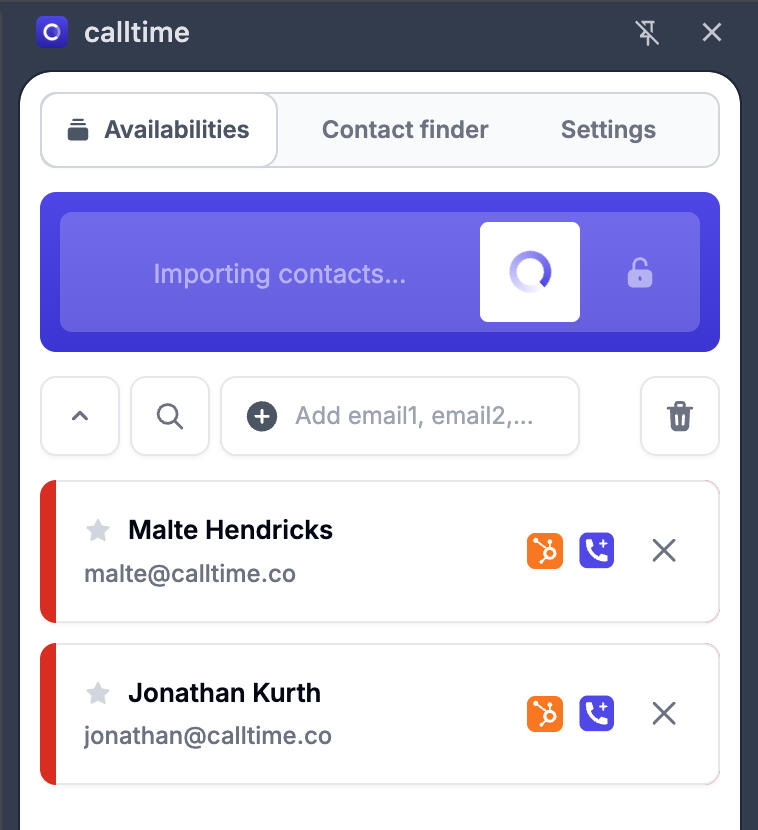
HubSpot - Setup guide
Step 1: Connect HubSpot
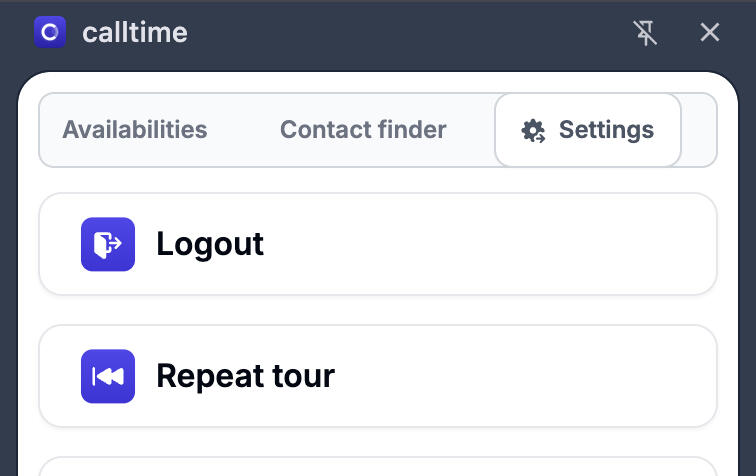
Open the calltime browser extension, then click the "Settings" tab in the top-right corner.
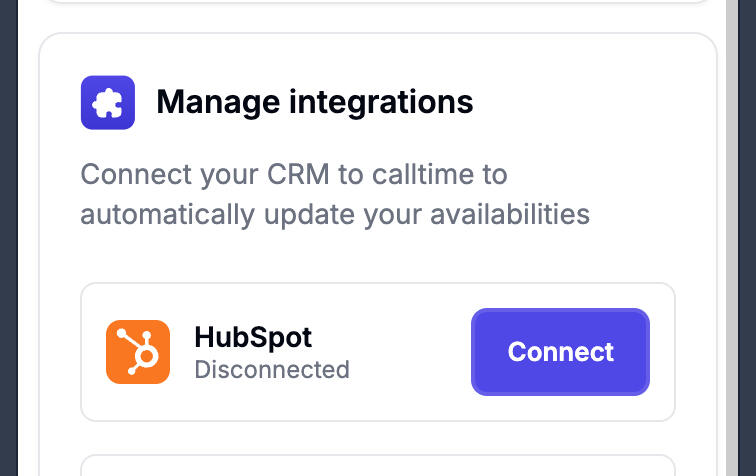
Scroll to the bottom and expand the Integrations section, then click Connect next to HubSpot.
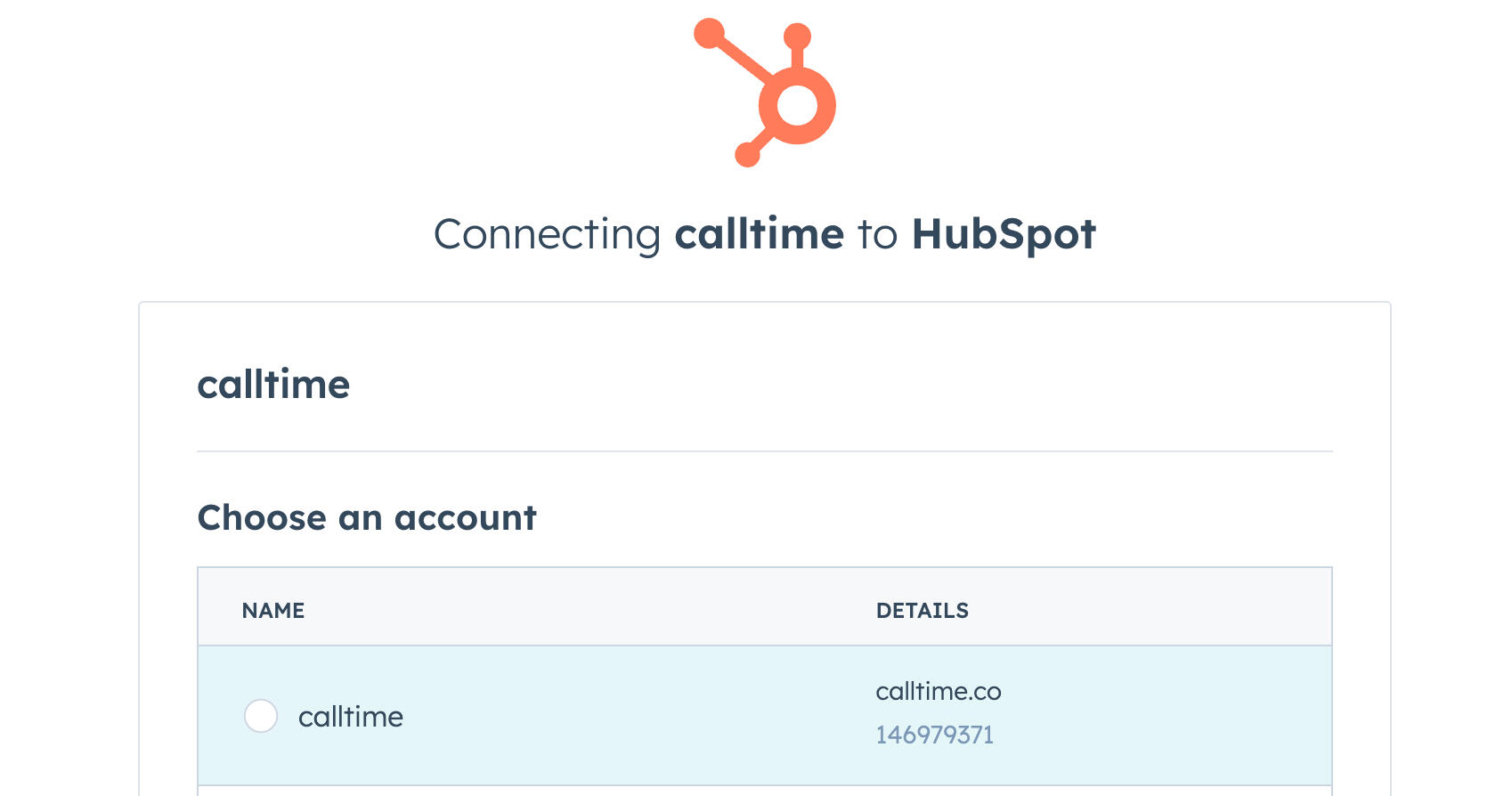
Complete the OAuth authentication process by choosing your HubSpot environment.
You successfully connected HubSpot to calltime
Step 2: Import Your HubSpot Contacts
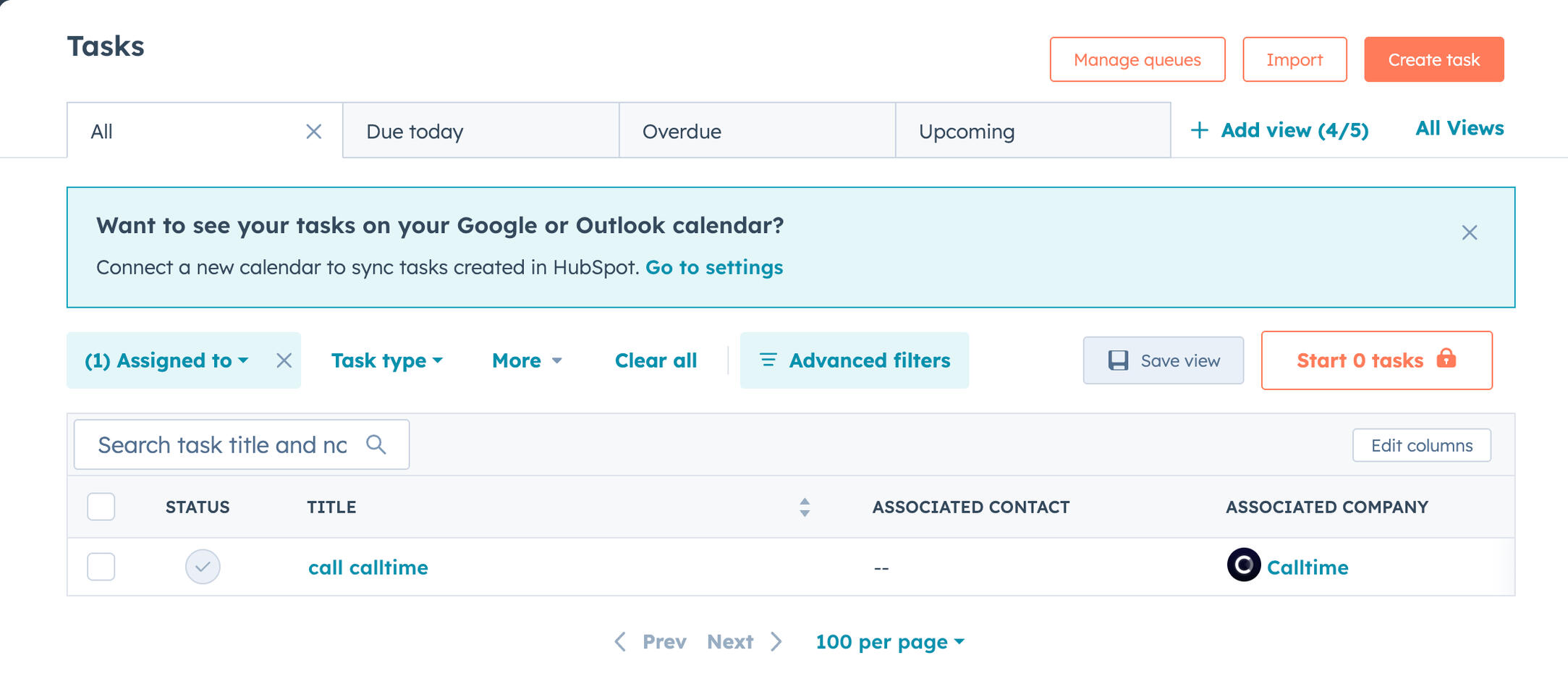
Go to your Tasks page in HubSpot.
Open the calltime extension and select the Availability tab. Finally, click "Import page contacts".
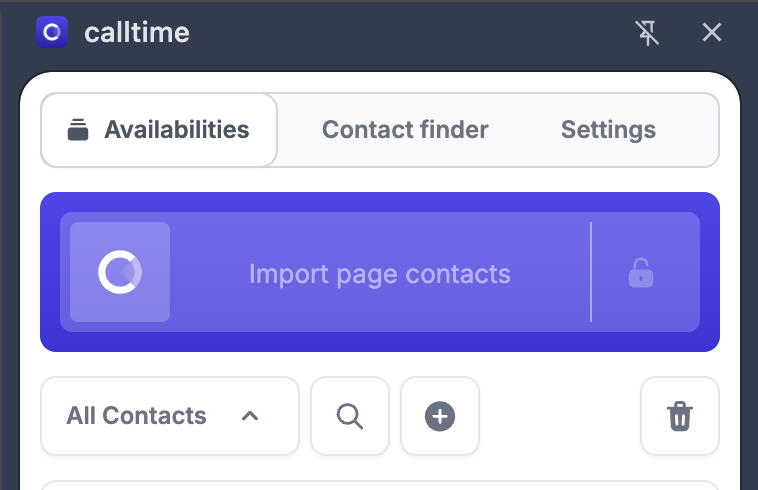
Your HubSpot task associated contacts will appear in calltime, along with their availability details.